Overview
Function Description
| Category | Description |
|---|---|
| Function Syntax | CONCATENATE(text1,text2,...) |
| Function | Combines multiple strings into one string. |
| Parameter | text1,text2,...: the text items to be combined into one text string The items can be characters or numbers. |
| Number of Parameters | Unlimited |
| Parameter Type | Text |
| Return Value Type | Text |
Example
| Formula | Result |
|---|---|
CONCATENATE("Average","Price") | AveragePrice |
CONCATENATE("1","2") | 12 |
More Examples
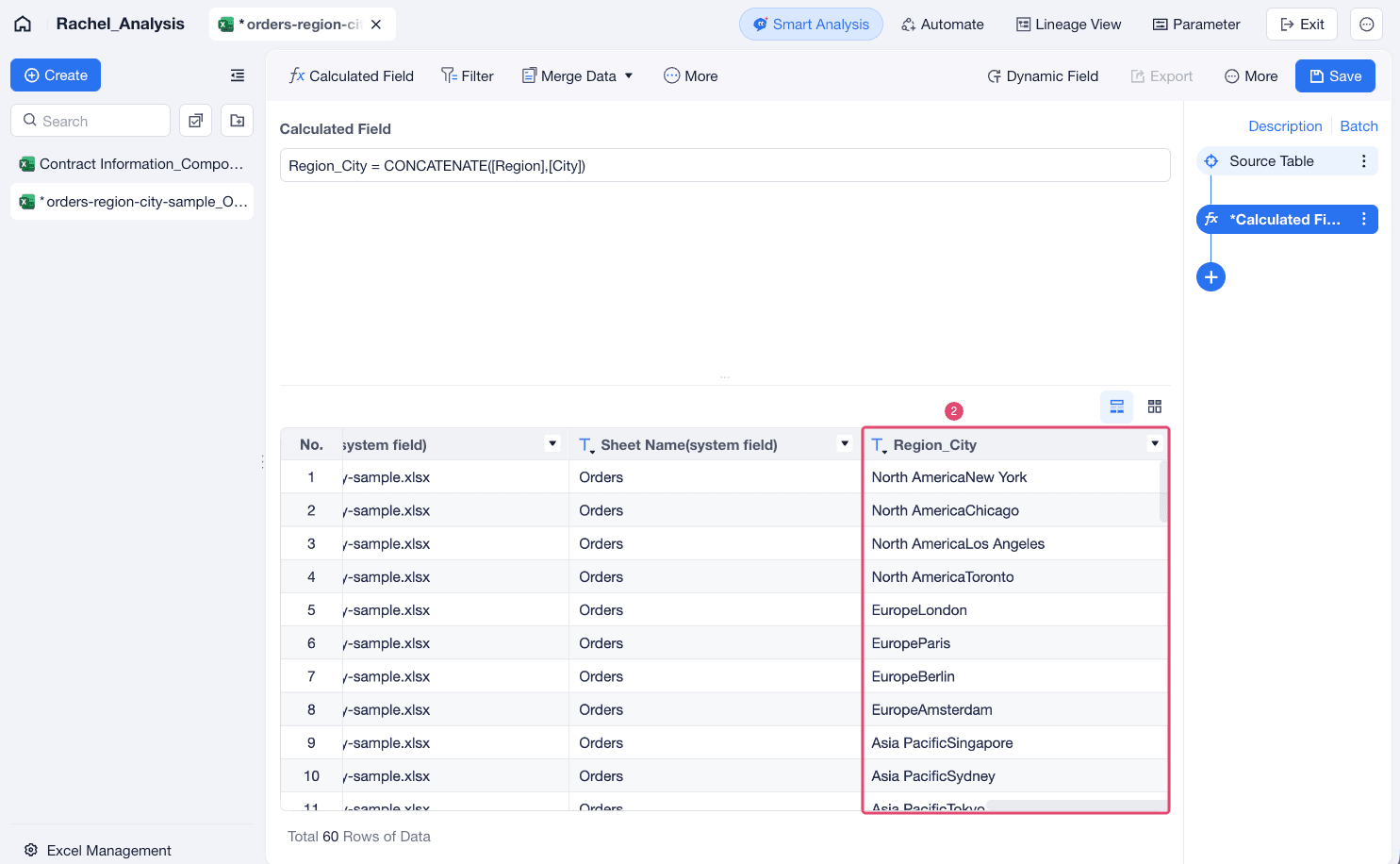
For example, to combine region and city into one field, enter the formula CONCATENATE([Region],[City]), as shown in the following figure.